How connecting works
- In Desk, go to Settings (or step 2 of setup) and tap Connect Square.
- Square opens its own page and shows exactly what Desk asks to read. You approve it there; Desk never sees your Square password.
- Pick which Square location goes with each Desk location.
- Your menu and up to 52 weeks of sales come in by themselves, a week at a time. Then bring in your team from Team, Import from Square.
What Desk reads, and what it’s used for
| From Square | Kept in Desk as | Used for |
|---|---|---|
| Business and locations | Names, one Square location per Desk location | Matching locations |
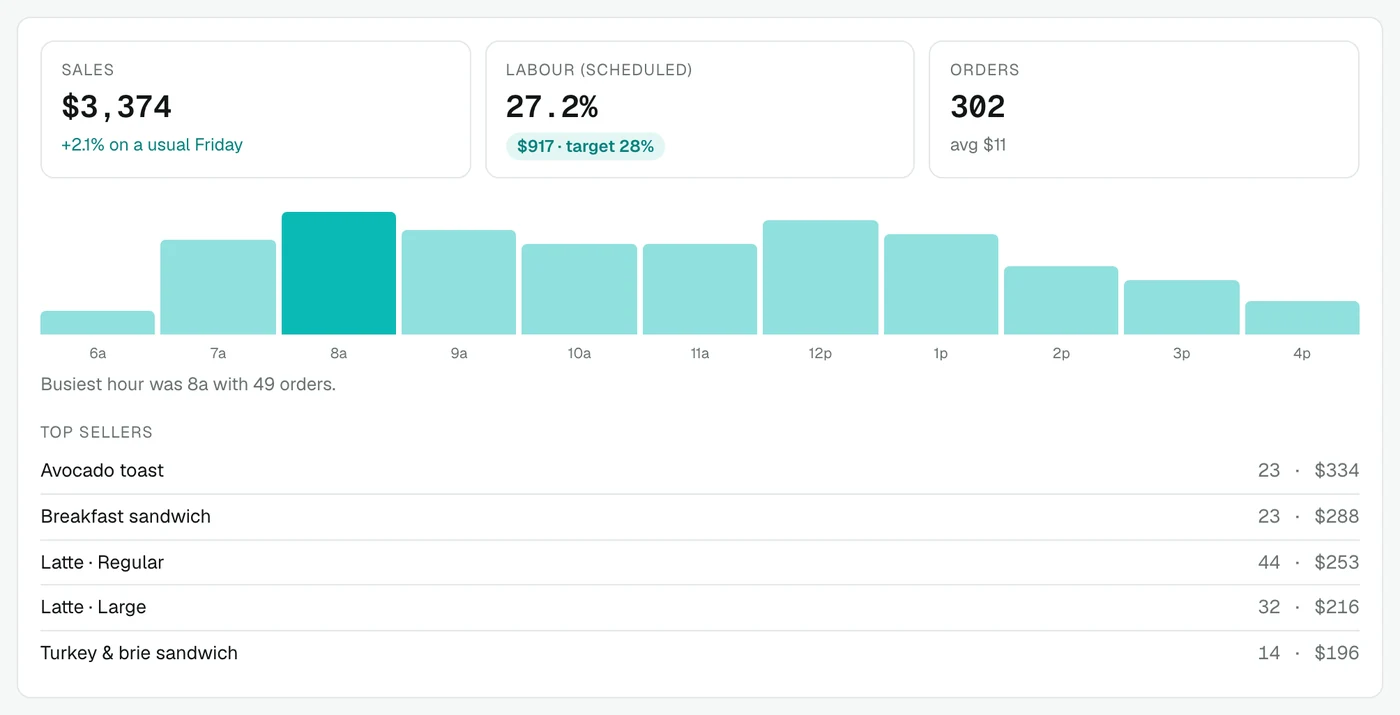
| Completed orders | Hourly totals and per-item daily totals; no receipts or card details | Sales, forecast, labour %, top sellers, menu engineering, stock usage |
| Menu items and categories | Items, sizes and prices per location | Recipes and food cost, online menu |
| Team members and wage settings | Name, email, phone, job and hourly wage (when you import) | Your team list and labour cost |
Square’s permission screen also lists read access to payments and timecards. Desk currently gets sales from orders and does not import timecards. The Privacy Policy describes how Square data is handled.
What Desk can change in Square
Nothing, by default. If the owner turns on Change my menu in Square (and Square grants it), confirmed changes can be written back: a menu price (per location when you have several), a new dish on its launch day, a dish taken off, a renamed item or new category. Each one happens only after you tap Confirm. Desk never charges, refunds or touches payments.
Sync and history
- First import: up to 52 weeks of sales, so forecasts work from day one.
- After that, sales refresh automatically several times a day (Desk checks hourly and refreshes when the last sync is over 6 hours old), and the last 7 days are re-read to catch late changes. Sync now refreshes on demand.
- Square tokens are encrypted before they are stored and never sent to your browser. Data is stored in Canada.
More than one location
Each Desk location maps to one Square location, so sales, menu prices and staff stay separate, and the All locations view compares them.
Questions
How long does it take to connect Square?
About 3 minutes. You approve the connection on Square's own page, then pick which Square location goes with each Desk location. Sales history comes in by itself.
What does Tasti Desk read from Square?
Your business and locations, completed orders (stored as hourly and per-item daily totals, not receipts or card details), menu items, categories and prices, and team members with their jobs and wages.
Does Tasti Desk write to Square?
Only if the owner turns on menu changes. Then a confirmed price change, a new dish or a dish taken off can be written to your Square menu, each only after you confirm. It never charges or refunds anything.
How often does it sync?
Sales refresh automatically several times a day, and you can tap Sync now. The first import brings in up to 52 weeks of history.
Does sold out in Desk update my Square register?
No. Sold out shows on Desk's online menu; mark it on your Square register too.
Can I disconnect?
Yes. The owner can disconnect one location or everything in Settings, which revokes Desk's access. Imported sales stay in Desk unless you ask us to delete them.
Not on Square? See Toast, Lightspeed, Clover and other POS. Tasti Desk is not affiliated with Block, Inc.; it connects through Square’s public API.